
Data Integrity Alerts
AI media detection helps Analysts and Moderators identify Photo and Video submissions that have been generated or edited using AI. When enabled, Recollective scans media submitted to Multimedia tasks for indicators of AI generation and flags questionable submissions for review. This helps research teams focus their attention where it is needed most and make decisions with greater confidence in the quality and authenticity of their data.
The setting is available under Study Settings > Data Integrity Alerts. AI media detection is enabled by default for new studies, and Admins can disable it at the study level at any time. Existing studies are not affected.
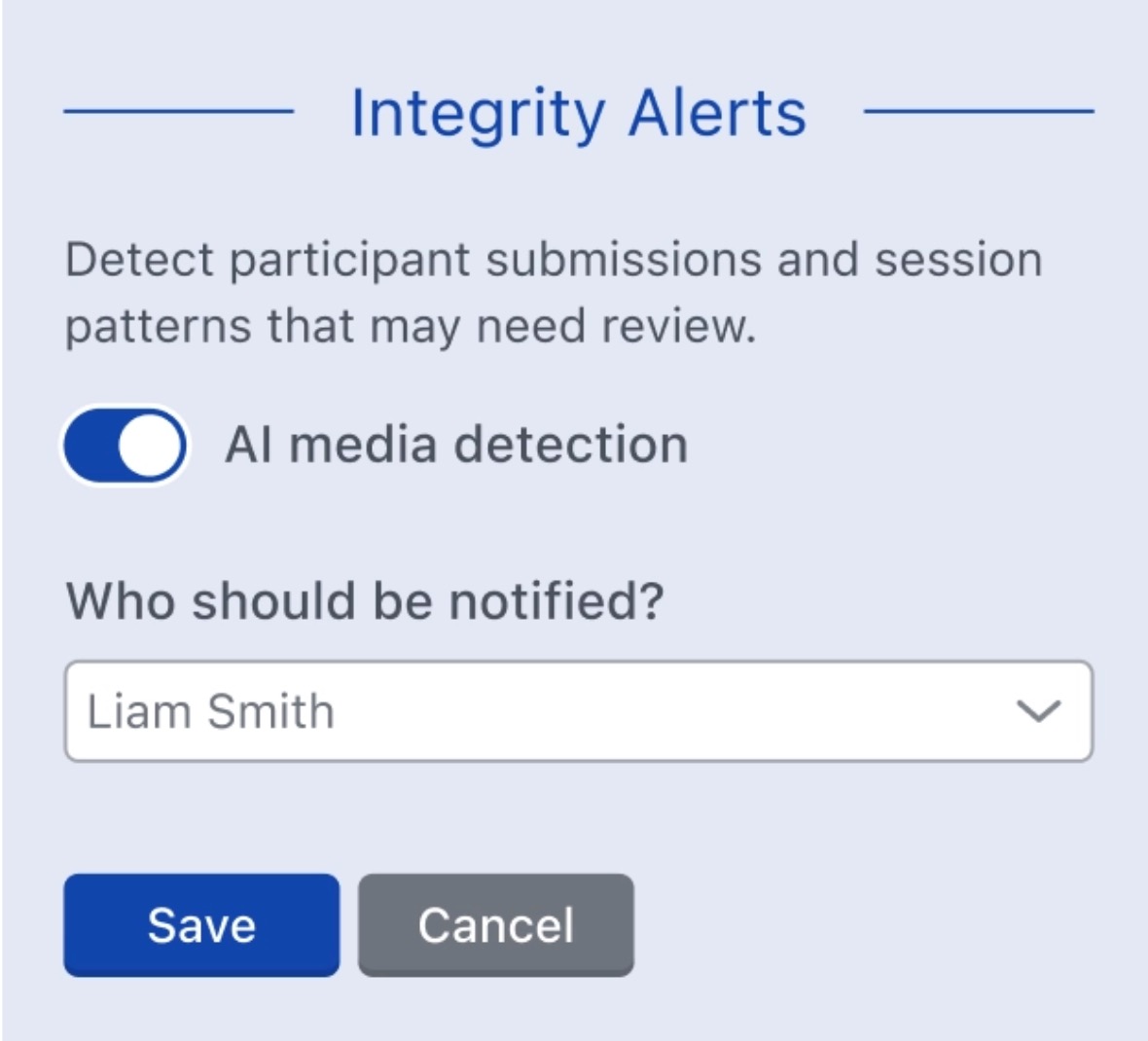
If a photo or video response is flagged as containing AI-generated content, a notification will be sent to the selected study Administrators. Selected recipients will receive immediate notification in-app and via email.
Detection and notifications are configured independently, allowing flexibility in how you monitor alerts. Admins can leave AI media detection enabled while choosing not to notify anyone by deselecting all options, keeping flagged responses available for review without actively pushing each detection to the study team.
Task Configuration
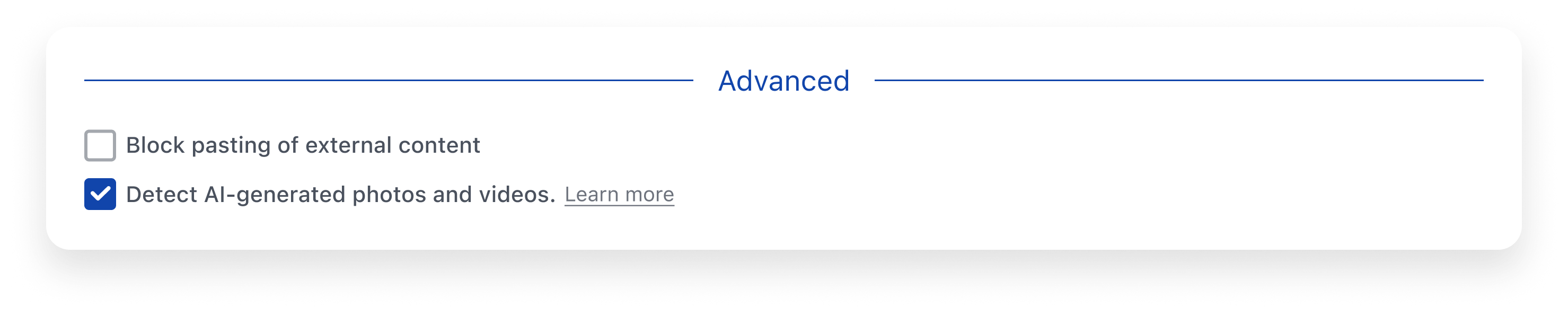
When configuring a Multimedia Task, the options to Detect AI-generated photos and videos will appear under the Task's Advanced settings. The checkbox follows the study-level setting by default. Admins can override this setting for individual tasks where AI media detection is not required. For tasks that existed before AI media detection was enabled for the study, Admins must enable the option manually.
Reviewing Integrity Alerts
In addition to triggering a notification, flagged media responses will also display a warning message indicating that AI-generated content has been detected. This allows Admins to easily spot flagged responses and consider the submission in context before deciding whether any follow-up is necessary.
If the Admin reviews the response and determines that the signal is not meaningful or does not require further attention, they can click Accept to clear the alert. Once accepted, the Integrity Alert and all associated AI detection tags will be removed from the response.

If a response requires action, Admins may consider rejecting, editing, or deleting the response.